How to set up medication reminders on iPhone
Open Health, tap Browse, then Medications, add each medicine, and turn on Dose Reminders under Options.
Start in the Health app
iPhone, iPad, and Apple Watch can list medicines, remind you when a scheduled dose is due, and log it as taken or skipped. You do not need another app if Health already covers your own routine.
You can also export your medicine list as a PDF or include medicines when sharing health data.
The steps may vary with your iOS version. If you cannot find the section, search Health for Medications.
Add each medicine
Have the pack in front of you. The same name often comes in more than one strength.
- Open the Health app.
- Tap Browse, then Medications.
- Tap Add a Medication, or Add Medication if the list is not empty.
- Type the name from the box, then tap Add. Suggestions, and the camera on certain models, are US-only.
- Check the typed name against the pack before you continue.
- Choose the type, then the strength. If yours is not listed, enter it and check the result before you save.
- Set how often and when, including a cyclical schedule or every few days, using the schedule you were given.
- Choose a shape and colour if you want, then review the details before saving.
You can log a medicine with no schedule, for something you take only when you need it. Keep to the instructions on the label.
Turn on follow-up reminders and Critical Alerts
Check your reminder settings after adding a medicine.
- Open Health, tap Browse, then Medications.
- Scroll to Options and turn on Dose Reminders.
- Turn on follow-up reminders if you want a second alert 30 minutes after the scheduled time, when the dose is still not logged.
- With follow-up on, you can turn on Critical Alerts for each medicine. They can appear on the Lock Screen and play a sound even if a Focus is on or the iPhone is muted.
When the notification arrives, tap it and choose Skipped or Taken. On Apple Watch it can also offer Remind Me in 10 Minutes.
Log the dose when you take it, not when you first see the alert.
When you change time zones, Health asks you to confirm your schedule. Check it against the timing plan from your pharmacist or doctor.
For help planning a trip, see taking medicines across time zones.
Schedule Unavailable means that schedule type will not run. Cyclical schedules and specific weekdays need iOS 18, iPadOS 18, or watchOS 11 or later.
Update the device, or reset the schedule to a type the older system understands. Until then, the reminder may not arrive.
Check whether Health covers what you need
- No Android version of this list.
- Name suggestions and camera entry are US-only. Check the entered name and strength against the pack.
- Cyclical and weekday schedules need iOS 18, iPadOS 18, or watchOS 11. Older software can show Schedule Unavailable.
- The 30-minute follow-up appears only if you have not logged the dose. You still need to record what you took.
- Health keeps the record for its user. It does not offer separate medicine profiles for pets or other people.
- Sharing health information does not let someone else log a dose for you.
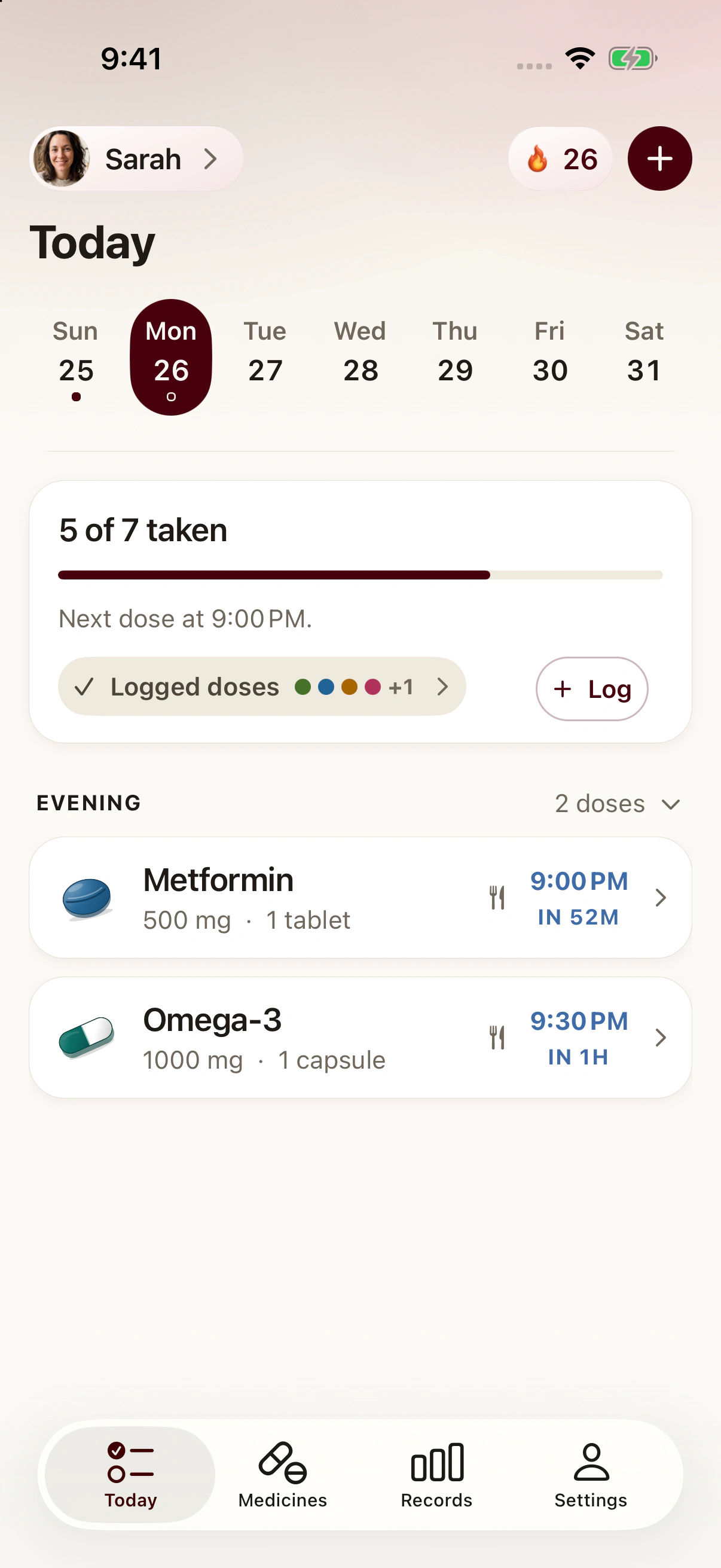
Pillbo is coming to iPhone and Android. Its optional Pro plan adds separate profiles for family and pets.
If Health covers your routine, you may not need another app.
You can compare other apps in Medisafe alternatives.
Keep the schedule you were given
Use the times on your medicine label or the instructions from your pharmacist or prescriber.
Before relying on your reminders, check:
- The name and strength match the box.
- The times match the label, including any note about food.
- A test reminder arrives, and logging it as Taken shows up in Health.
Repeat these checks for each medicine you add.
If you take several medicines, our guide to managing multiple medicines can help you organise the list.
If a dose is missed, Health can show you did not log it. It cannot tell you whether to take it late.
Common questions
How do I set a medication reminder on iPhone?
Open Health, tap Browse, then Medications, add the medicine with a schedule, then turn on Dose Reminders under Options.
Why does my iPhone not suggest the medicine name?
Name suggestions and the camera are available in the US only. In Australia, type the name from the pack and check it.
Can my iPhone track a parent's medicines or a pet's?
Health stores information for the person using that Apple ID. It is not a set of profiles for someone else or for a pet.
Sources
- Track your medications in Health on iPhone, Apple Support
- Add and log medications with iPhone, iPad and Apple Watch, Apple Support